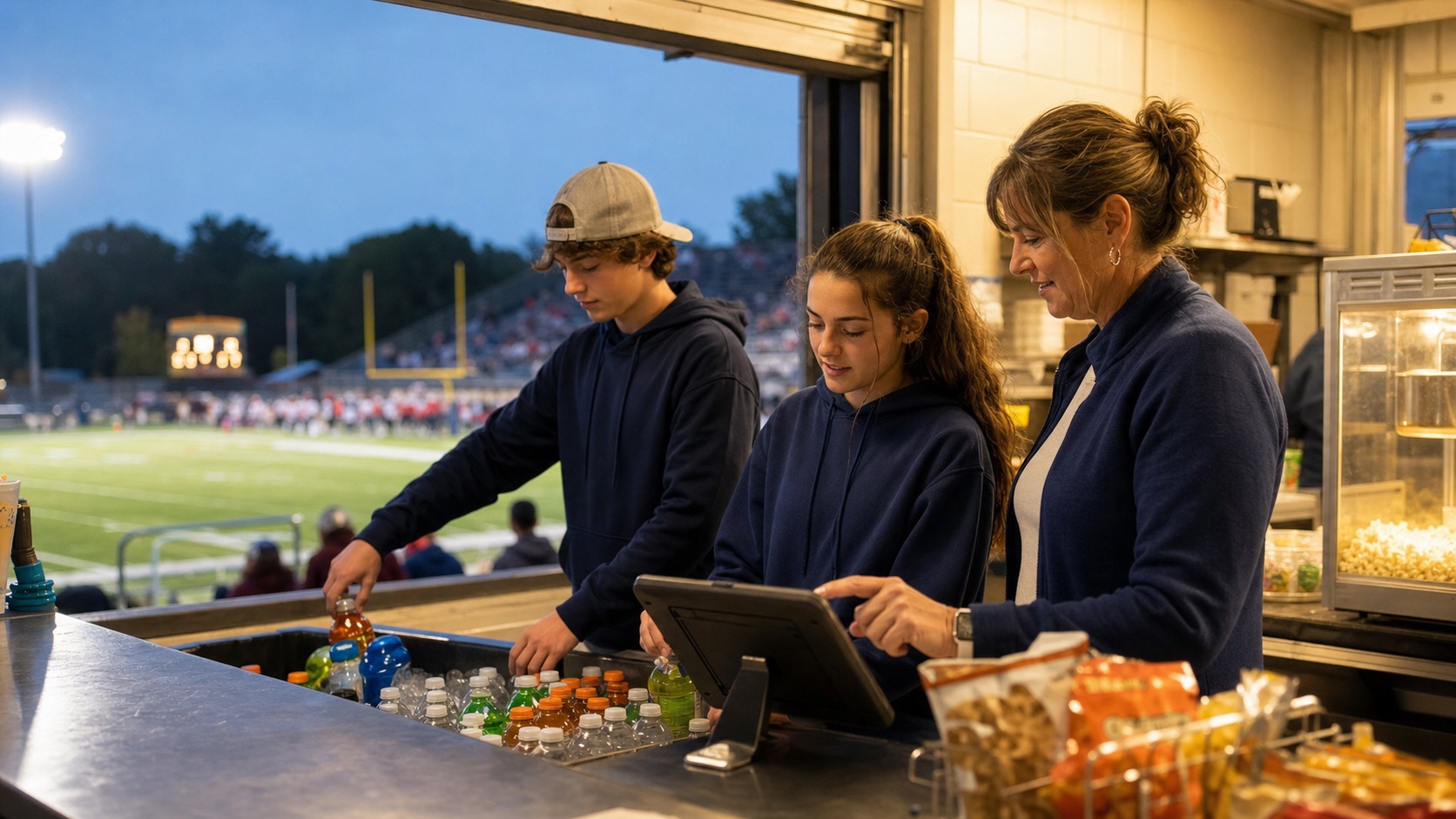
A guided opening sequence
Start with a readiness check that looks at real setup: the game must be verified, products and count zones must exist, starting inventory must be approved, required adults must be scheduled, and payment phones must be tested. The opening sequence then moves the manager through physical inventory, station assignment, QR check-in, and stand-open confirmation without asking teenagers to interpret a long binder.
A live command center
During service, the selected game follows every button. Managers can record a purchase, in-kind donation, waste, complimentary item, or stock transfer without choosing the event again. Low-stock products, pickup orders, volunteer attendance, and unresolved payment exceptions surface in one place. The interface uses large targets and plain language because a loud counter at halftime is not the place for tiny menus.
A closeout that can be reviewed
Closing inventory is compared with opening inventory and recorded movements. Zeffy payments, QR pickup orders, refunds, reported attendance, and weather context feed the game record. The treasurer reviews exceptions before the event is locked. Nothing disappears when the season changes, so the next team can learn what sold and where margin leaked.
Practice before the crowd arrives
Create a safe test game, walk a new manager through opening and closing, simulate orders, test volunteer check-in, and confirm every Tap to Pay phone. Practice records are excluded from season fundraising totals. That makes training concrete without contaminating the financial report.